
Muscogee County Arrest Log Windows
Muscogee County publishes no weekly arrest log, no seventy-two-hour list, and no dated blotter archive. The official source is the Muscogee County Jail Search. Its Date Booked filter offers several ranges. Options include Past Week, Past Month, Past 3 Months, Past Year, and Custom. Those are query options in a live application. They do not promise that every arrest record stays public for the whole span named.
A multi-day view answers a different question than the Today facet. It lets you work back through a stretch of days. You can compare booking and release dates, and catch an entry a same-day check would have missed. The portal posts no batch schedule, refresh timestamp, holiday rule, or online roll-off policy.
Treat Date Booked and Date Released as two separate events. Booking marks intake into the jail. Release marks a later custody change. One person can show up in both lists within a chosen period. That is still a single arrest, not two. Several charge descriptions can also attach to one booking number. Identify what each field measures before you count anything.
Read Muscogee Arrest Records
The portal needs JavaScript and cookies enabled. Its name search takes a minimum of three characters, and results arrive in ten-card pages. Start narrow, then widen the date range. That keeps false matches down and makes a custom-date arrest search easier to document.
- Open the jail search and select Date Booked.
- Start with Past Week, then use Custom for a known range.
- Add at least three letters of the person's name when possible.
- Match the SO number, booking number, facility, agency, and booking time.
- Check release fields and all charge indicators before saving the result.
- Record when the search was run because no portal refresh time is displayed.
The separate Muscogee County 24 Hour Arrests page covers the Today facet and the lag on new bookings. For the log itself, the real task is comparing several dates instead of assuming the newest visible card is the whole roster.
Custom dates help when you know the incident. The interface does not certify completeness, though. An empty result? Widen the range on both ends, because offense date, arrest time, and booking date can all differ. Need the police report? Contact the arresting agency. Need the jail intake packet? Direct that request to MCSO.
Muscogee Arrest Log Fields
Each public card is an intake summary. It may include a release event. It does not carry the final court result, and the interface exposes no bond amount, court date, or public booking-photo field.
| Log field | Use and limit |
|---|---|
| Name and SO number | Identity plus the sheriff's county identifier. |
| Booking number | Distinguishes one intake from another. |
| Facility | Names the jail node attached to the entry. |
| Date and time booked | Shows recorded intake, which may follow the arrest event. |
| Date and time released | Shows custody change when present, not case disposition. |
| Arresting agency | Identifies the agency tied to the arrest record. |
| Charge descriptions | Booking charges; up to three initially display before a more indicator. |
| Photo | No booking-photo field appeared in the inspected card. |
Common names demand care here. A charge label plus an agency name is not enough to identify a person. Pair the numbered fields with the date, then check the court portal for the disposition, which is the final recorded outcome.
Muscogee Weekend Arrest Searches
The jail system publishes no special weekend or holiday calendar. It also says nothing about batch uploads. So resist calling Monday results a weekend surge unless a dated official arrest record backs that up. A bigger result count may simply reflect the date span, processing time, releases, or pagination.
For a weekend inquiry, search the full range with Custom first. Then repeat the search by name. Compare Date Booked with Time Booked. If someone was released fast, add Date Released too. The public application sometimes goes down. When it does, calling Muscogee County Jail at (706) 653-4258 can settle an operational custody question.
Note: A date-filter result is a search response, not a certified daily count of arrests.
A fair comparison uses the same range and the same field. Match one weekend's booking dates against another week's release dates. That builds a false trend. The portal locates arrest records; it does not publish certified crime statistics. For totals, use a dated agency report.
Muscogee Booking Record Archives
How far back can you actually search? The Past Year and Custom settings in the jail portal control search depth, not history. They promise no standing archive of Muscogee County arrests. The real rules come from Georgia Archives retention schedules. Jail Booking Records, Jail Registers, and Inmate Case Files each carry a minimum retention period tied to release or the last entry, while Incarceration Lists follow a shorter schedule. Even so, retention never obliges the sheriff to keep every booking record visible in the Tyler interface.
Older material takes a written request. Send it through the MCSO records custodian and be specific. Give the name, the date range, an SO or booking number, the arresting agency, and the record series you want. Ask directly whether the file was transferred, lawfully destroyed under a schedule, or sits in another system. After that, court files are the place to trace a case's history and disposition.
A missing booking photo proves nothing about destruction. Georgia's booking-photo law limits when an agency may publish or release an image. Retention schedules decide how long a record series survives. Those are two different questions.
Start with the sheriff's records custodian, since jail booking files are local public-safety records. The court clerk is the better stop for later motions, hearings, and final outcomes. Georgia Archives administers the schedules themselves, though it offers no dedicated online collection of historic Muscogee booking photographs. A scanned newspaper or city directory adds historical color. It never replaces a modern official booking file.
Muscogee Arrest News Is Selective
Columbus Police news releases tell part of the story. They cover selected operations and arrests, not every jail intake in Muscogee County. The CPD News Releases page may name an agency action, a date, and an arrest count. It still is not a person-level county blotter.
Private sites fill some of the gap. The Georgia Gazette runs a Muscogee booking section with visible page depth, but it is an independent outlet rather than the sheriff or clerk. RecentlyBooked lists a county URL yet shows no recent entries. Arrests.org leaves only historic navigation with nothing current. Those gaps hardly mean the jail sat empty.
The Georgia Gazette Muscogee section shows how far private coverage can drift from the official portal.
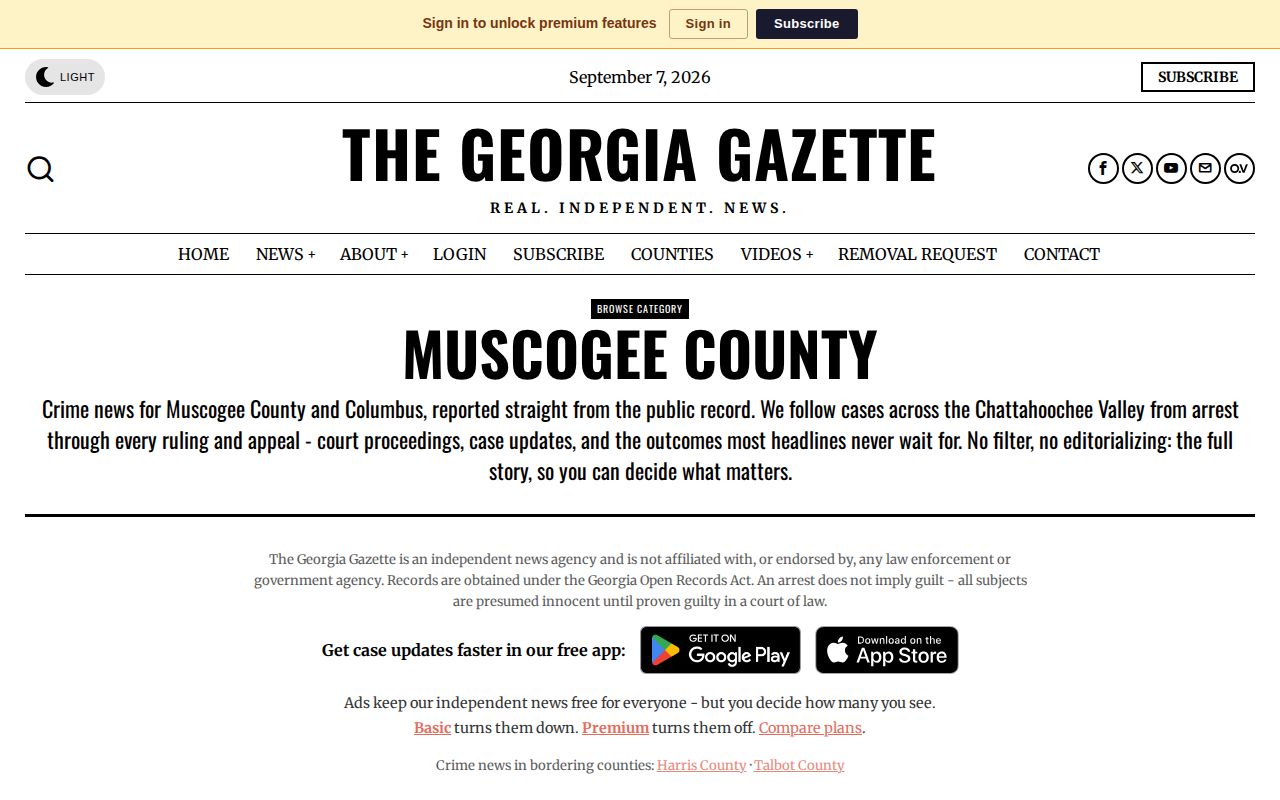
An unofficial local publication cannot settle anything on its own. Confirm each entry against the jail or court record.
Muscogee Arrest Reporting Sources
Ledger-Enquirer's local-arrests area reads like an archive. Older gallery material sits there rather than a current daily feed. WTVM, WRBL, and CNAW2News write event-driven crime stories. Their photos and sourcing vary article to article. No outlet keeps a complete county booking archive. The WTVM Crime page is one current source for selected Columbus-area reporting.
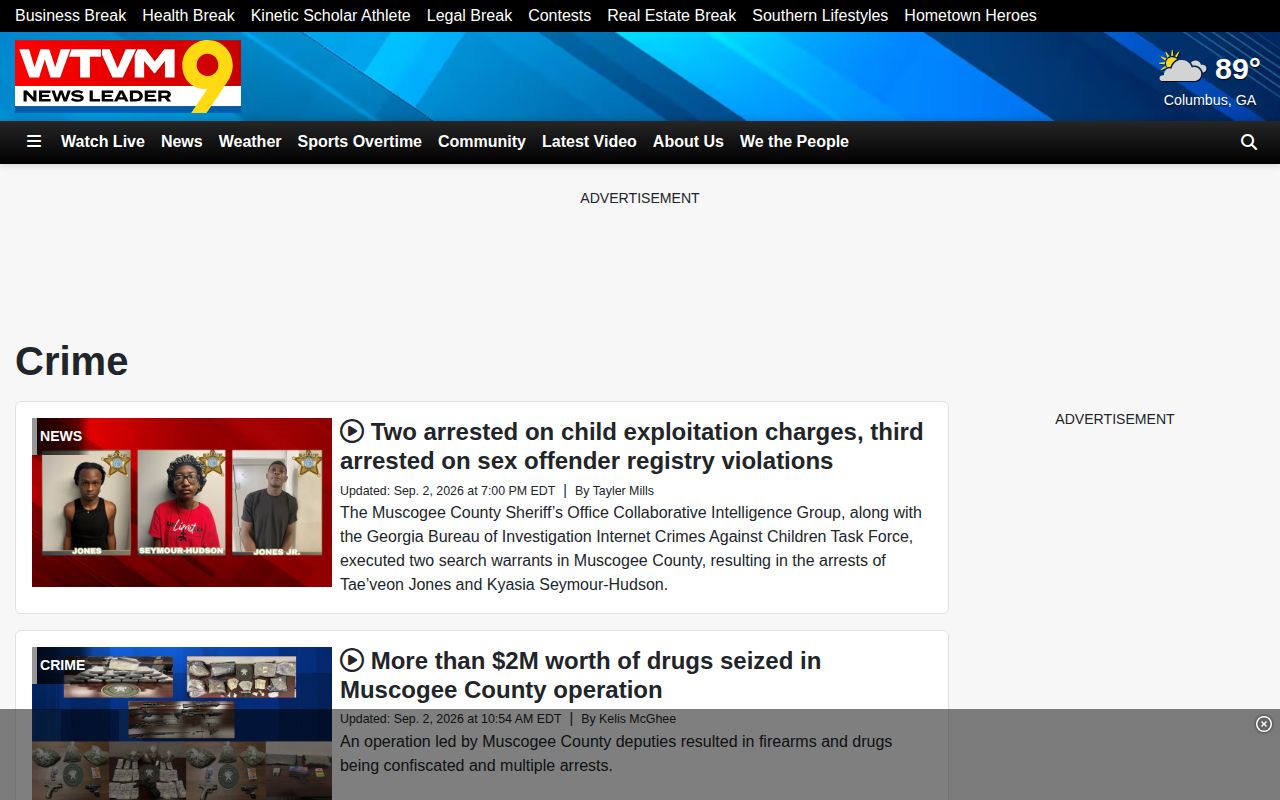
A news stream is context, never a substitute for the official date-filtered jail search. Photos demand the same skepticism. The sheriff's public card carries no photo field at all. A news image may be a scene photograph. It could also be an agency handout, or a booking photograph from an earlier arrest. A private publisher can keep an old version on display long after custody changes. Treat that image as a lead. Let the official record settle the rest.
Save the date and the source when a story adds context. Then go back to MCSO for custody and to the court for the outcome. That habit keeps useful reporting from standing in for the official Muscogee County arrest record.